TariffShark Tiger User Guide
Not your version? Create FERC XML: FERC XML
The Create FERC XML wizard's FERC XML form allows you select a location on your computer to which to save the FERC XML. Once you've downloaded the file, you may submit it as a test to the FERC Sandbox by following the instructions on the screen.
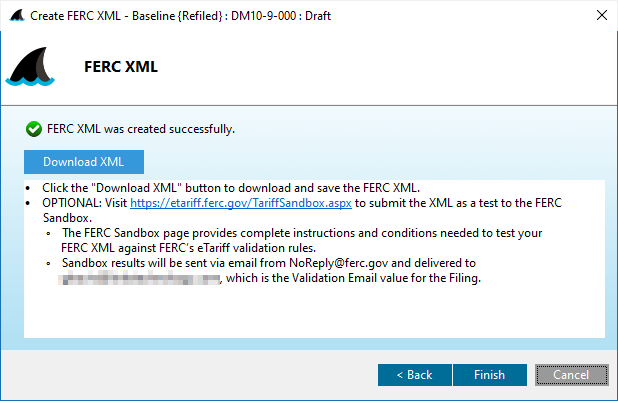 Figure 3: Create FERC XML wizard: FERC XML
Action Buttons
Click the button hyperlinks below to navigate through the help documentation and learn more about this wizard.
| Button | Details |
|---|---|
| Download XML | Download the FERC XML file to the user's computer |
| < Back | If Filing Validation was performed: Back to the previous step |
| < Back | If Filing Validation was NOT performed:Back to the previous step |
| Finish | Completes the process and closes the wizard |
| Cancel | Closes the wizard without creating the FERC XML |